The Studio
A calm place to write, review and publish.
The Studio is where the client’s team works: both languages side by side, who’s in which field, reviews that show exactly what changed. In English and French, in the look each person prefers.
In the Studio, an article is written in French and its English side is empty. One click translates both fields into English, each marked “machine translation, not yet read”. The editor marks the title as right, changes “eight thousand two hundred and forty-three” to “8,243” in the excerpt, and saves.
A tour
What’s on the screen
An article in the Studio, with two colleagues in it. Press a number, or point at a line.
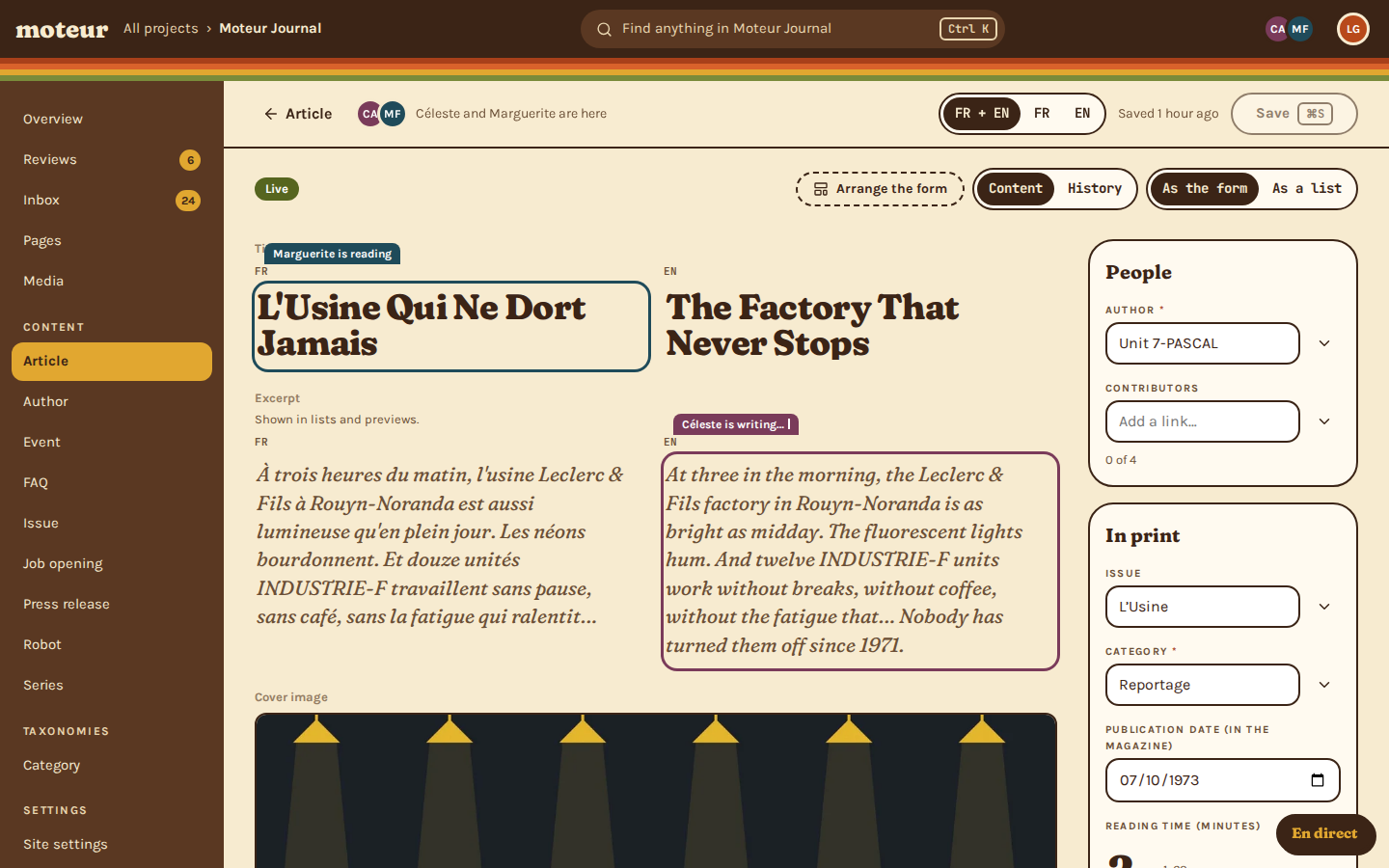
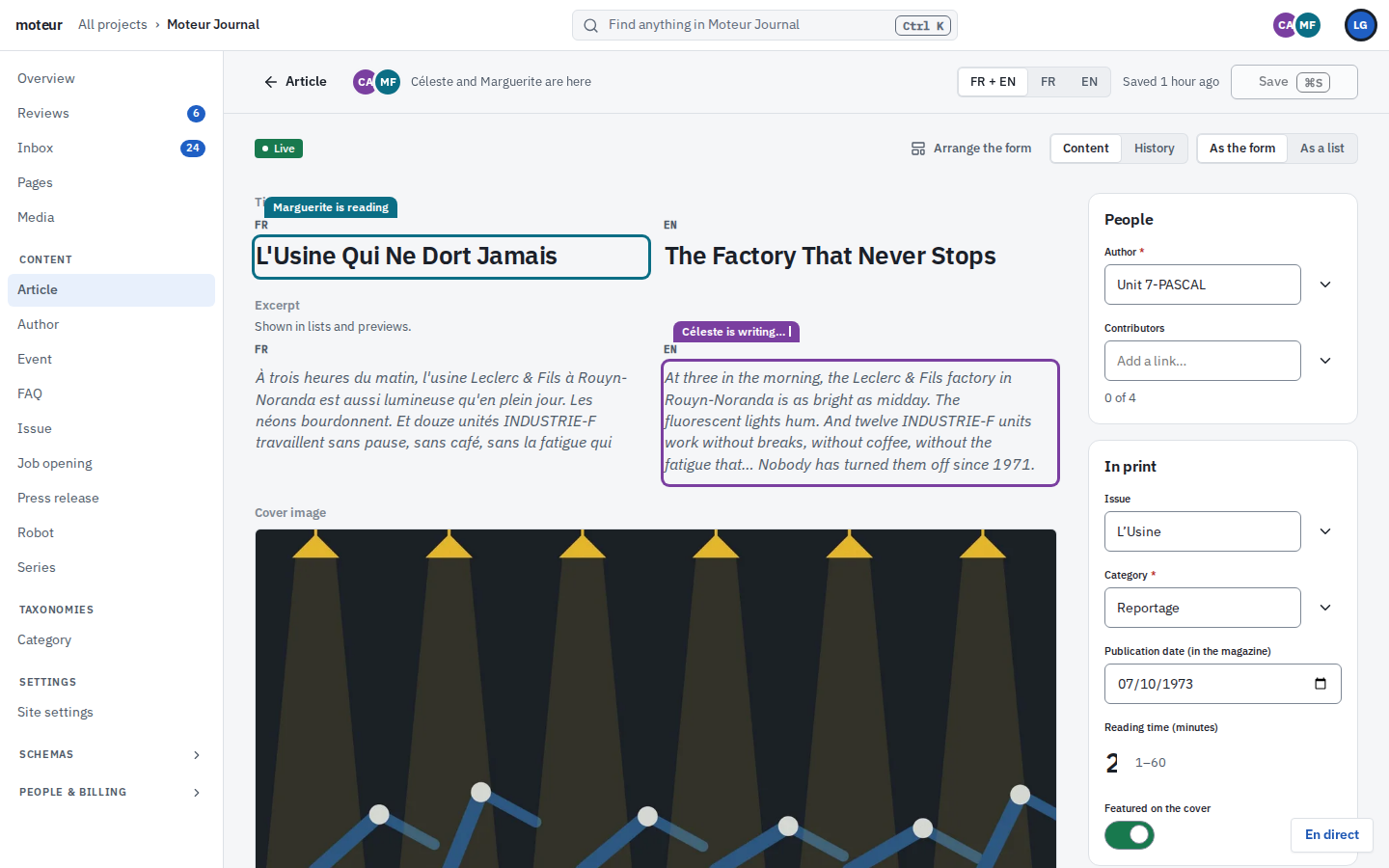
- Reviews, counted. What’s waiting for review, in the sidebar, for everyone who can approve.
- Find anything. Ctrl K: every entry, page and file in the project, from the keyboard.
- Who’s here. The faces of everyone in this entry right now.
- Both languages, or one. French and English side by side, or one at a time.
- Saved, and when. Save from the keyboard, and see when the entry was last saved.
- Arrange the form. Builders lay out each model’s form. The data stays the same.
- History. Every save, who made it, and a way back to any version.
- Who’s writing where. A field someone’s in wears their name and colour, reading or writing.
Around the editor
Everything in its place
What the client’s team uses every day, and what you’ll never have to build for them.
Languages
Both languages, side by side
French and English next to each other in every field, with missing and stale translations flagged.
- Or one language at a time
- What’s not translated yet, counted
Forms
A form that fits the content
Builders arrange each model’s form in sections: a canvas that reads like the page, cards, drawers.
- Presentation only: the data doesn’t change
- Only builders arrange it
Search
Find anything
One search box for every entry, page and file in the project, from the keyboard.
- Ctrl K, from anywhere
- Switch projects from the same place
Media
A media library that stays tidy
Pictures and files in folders, with alt text in each language and a focal point every crop keeps.
- Duplicates caught on upload
- Replace a picture everywhere at once
Inbox
Form submissions, in the Inbox
What visitors send through the site’s forms lands in the Studio, where the client’s team reads it.
- Spam caught before it lands
- Export to CSV or JSON
Pages
Pages and menus
The site’s pages as a tree, built from the blocks your developers made, and the menus that link them.
- A sitemap from the tree
- Pages from blocks
History
Every version, kept
Each entry’s History shows every save, who made it and what changed, and brings any version back.
- Restoring saves it as a new version
- Nothing is lost
Help
Writing help, when it’s on
Translation and writing help for the field you’re in, off until an admin turns it on.
- What a machine wrote stays marked
- Credits on every plan
Together
Work on it together
See who’s in which entry and field, notes pinned to fields, and crossed saves sorted out field by field.
- Down to the language
- On Moteur Cloud, from two people
Two looks
One Studio, two moods
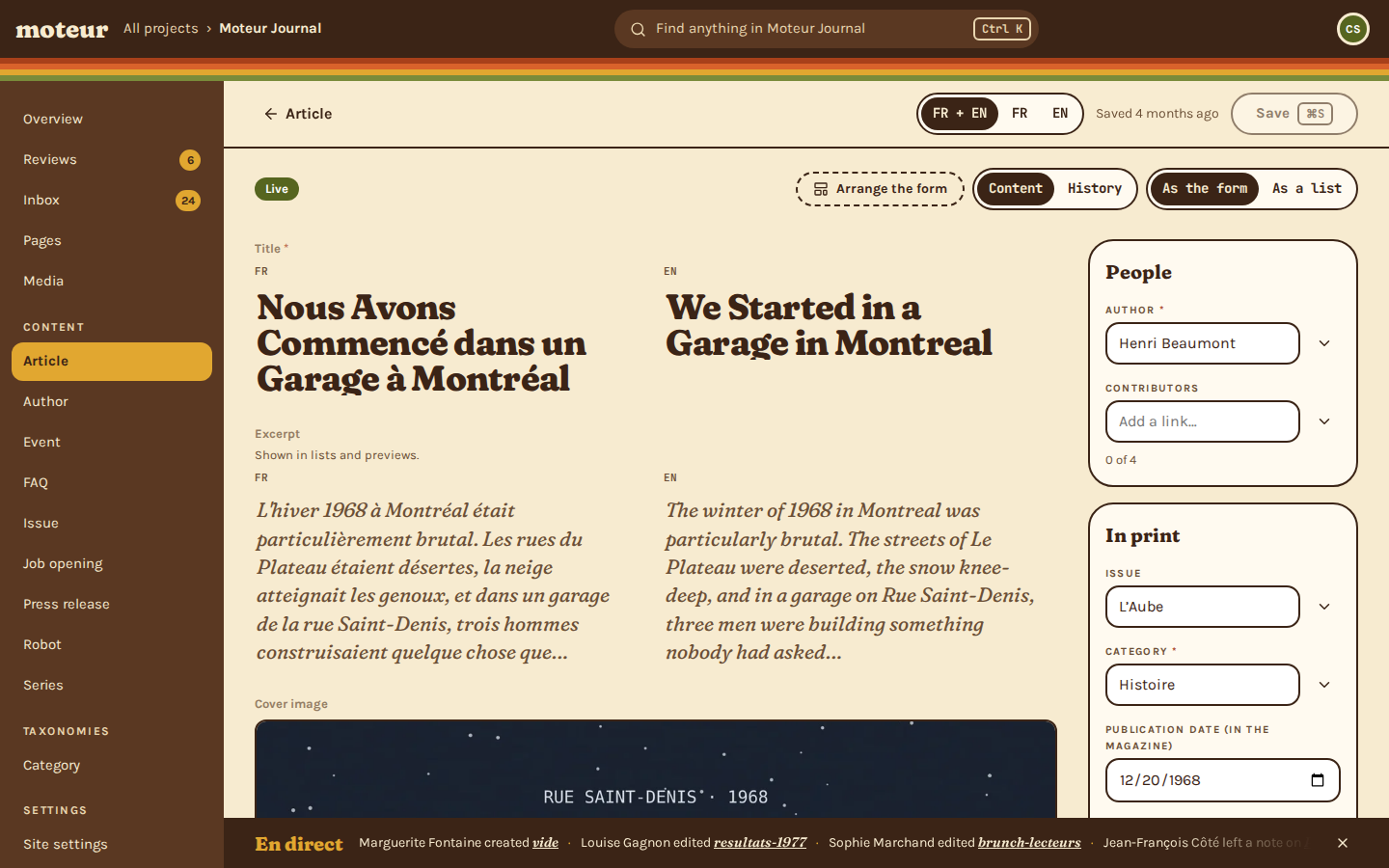
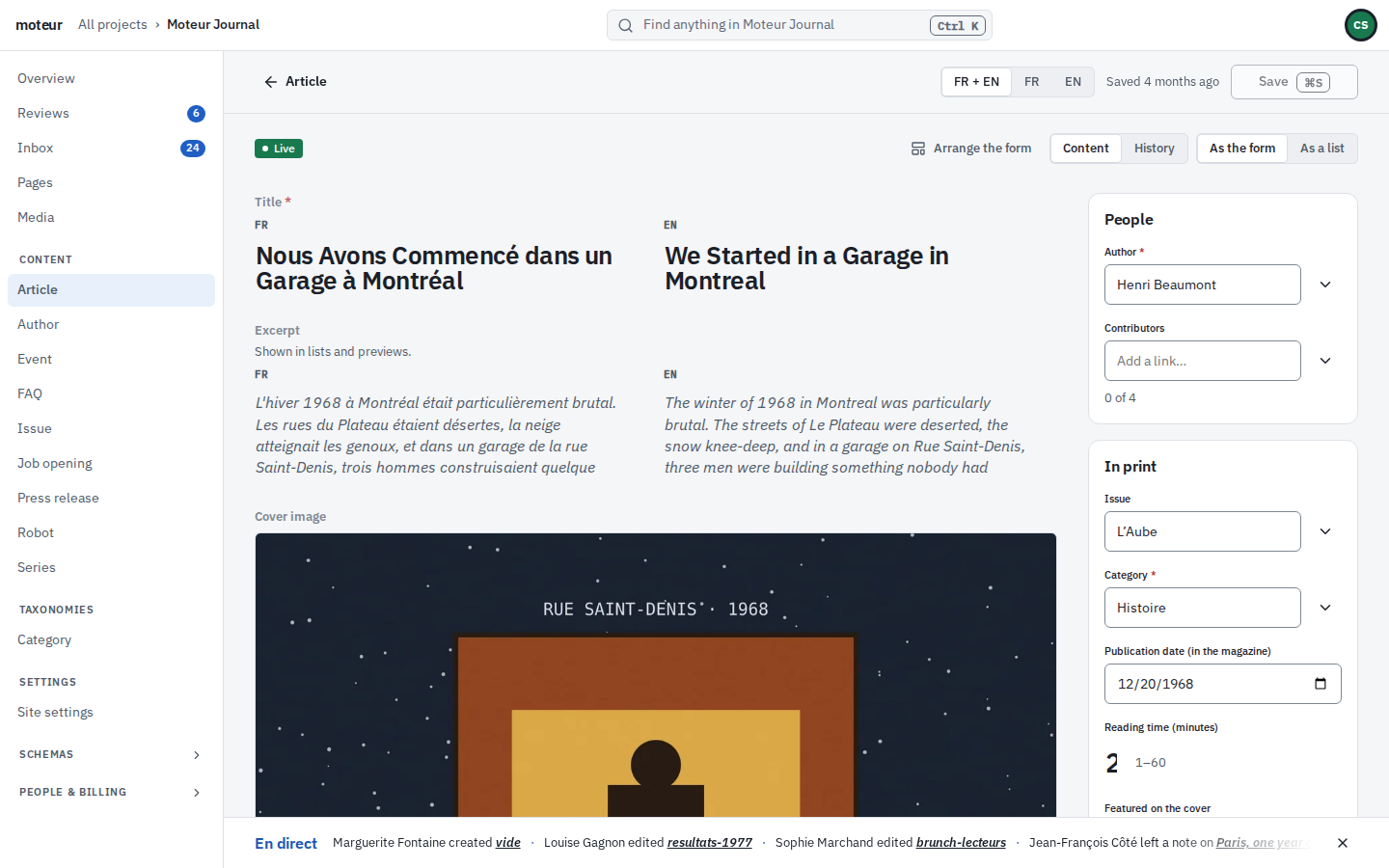
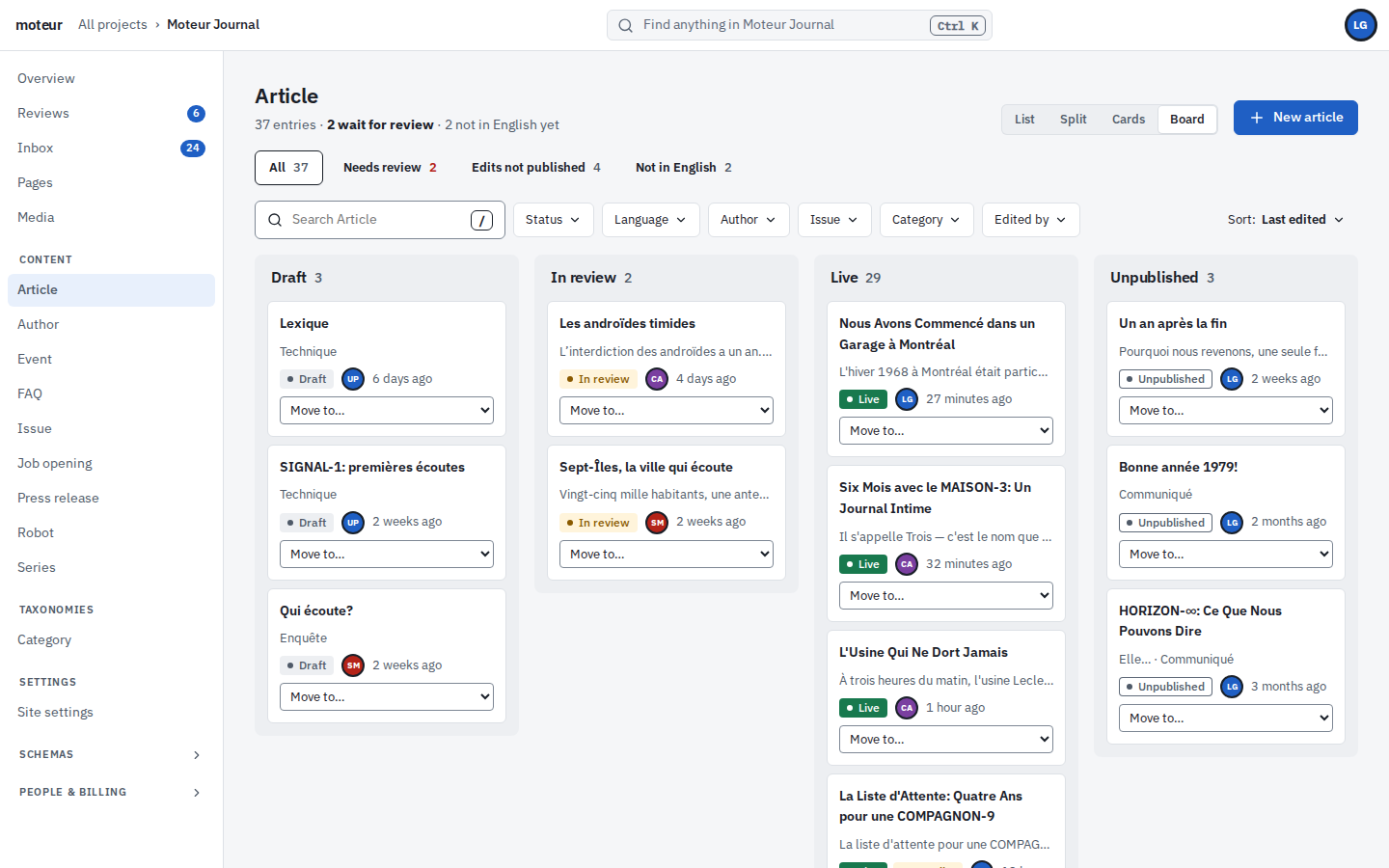
Discothèque for the newsroom that wants a little joy, Folio for the bank that doesn’t. Each person picks their own look from their account menu, and nothing about the content changes.
Lists
Every list, the way you work
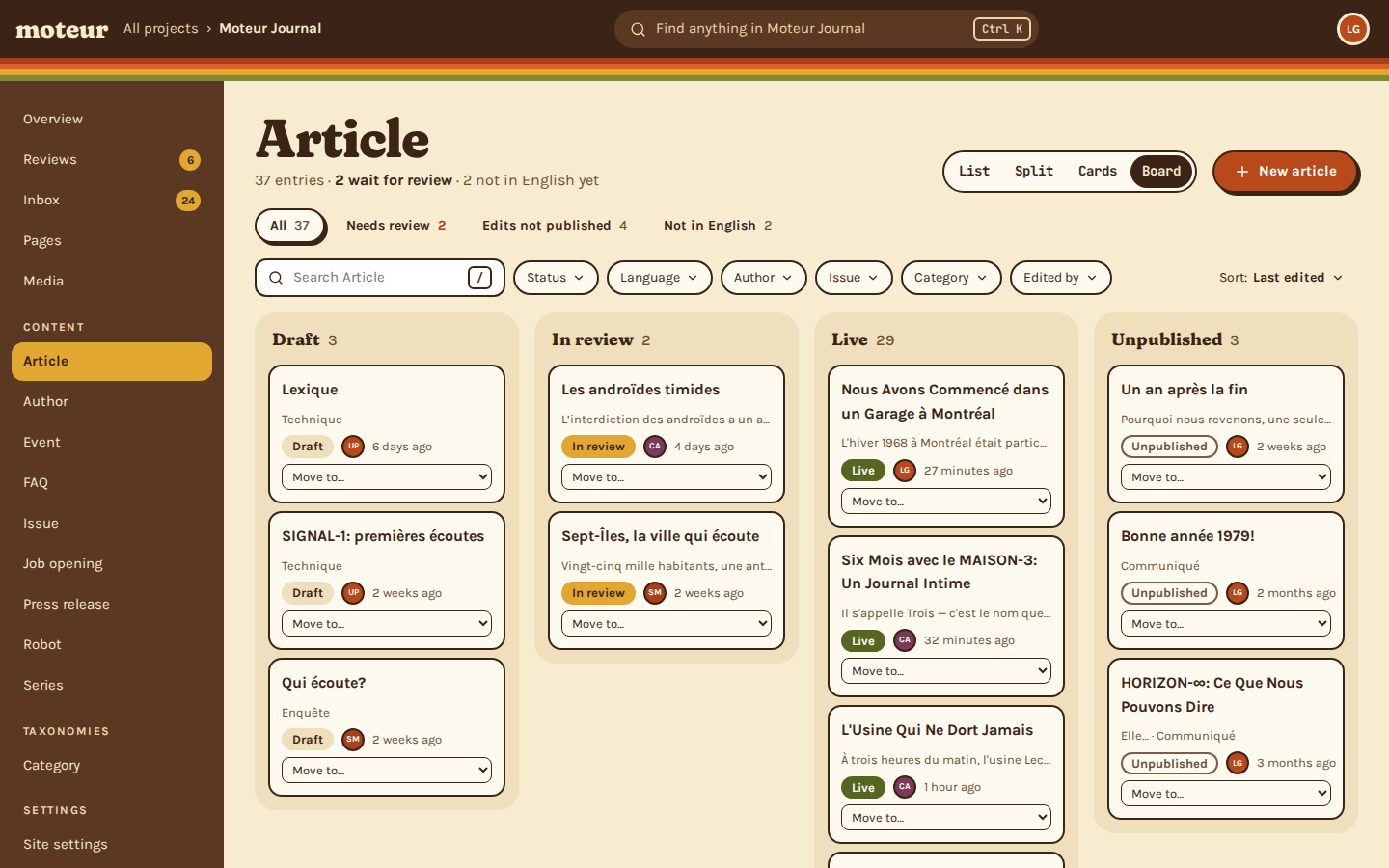
A model’s entries as a list, side by side with the editor, as cards, or as a board by status. The Studio counts what still needs doing: waiting for review, not in English yet.
- List, split, cards or board, per model
- Filter by status, language, author, or anything the model holds
- Move an entry along from the board
A second pair of eyes
Review, built in
Every change your client’s team makes waits in one queue. Reviewers see who asked and when, approve it, or send it back with a note.
- Changes from people and from agents, in one queue
- Approving publishes. Rejecting keeps the draft
- Every decision is in the project’s history
Marguerite, a writer, changes the English headline “The Factory That Never Sleeps” to “…Never Stops” and asks for review. Then Céleste, the reviewer, is introduced. She opens the review, sees the one word that changed, and approves it, which publishes it.
Questions about the Studio
A client’s editor asksWhich languages is the Studio in?
MoteurEnglish and French, each person in their own. The content can be in any languages the project has.
An agency owner asksCan we make it look like the client’s brand?
MoteurEach person picks one of two looks, Discothèque or Folio, in their account menu. Builders can arrange each model’s form so it reads like the client’s pages.
A cautious editor asksIs AI on by default?
MoteurNo. Writing and translation help stays off until an admin turns it on for the project, and what it writes stays marked until a person reads it.
A platform developer asksIs the Studio open source?
MoteurThe engine is. The web Studio is part of Moteur Cloud. Self-hosted, the engine comes with a Studio in the terminal.
A writer asksWhat if I close the tab before saving?
MoteurThe Studio asks before you leave with unsaved changes, and every save is kept in the History.
Open the Studio on your own project.
Start for free, invite one person, and write something together.