MCP
Moteur, as tools for your agents.
Every Moteur command is a tool for Claude, Codex or any MCP client: reading, editing, translating, asking for review. Choose the projects and what it may touch, and keep a person between its edits and your site.
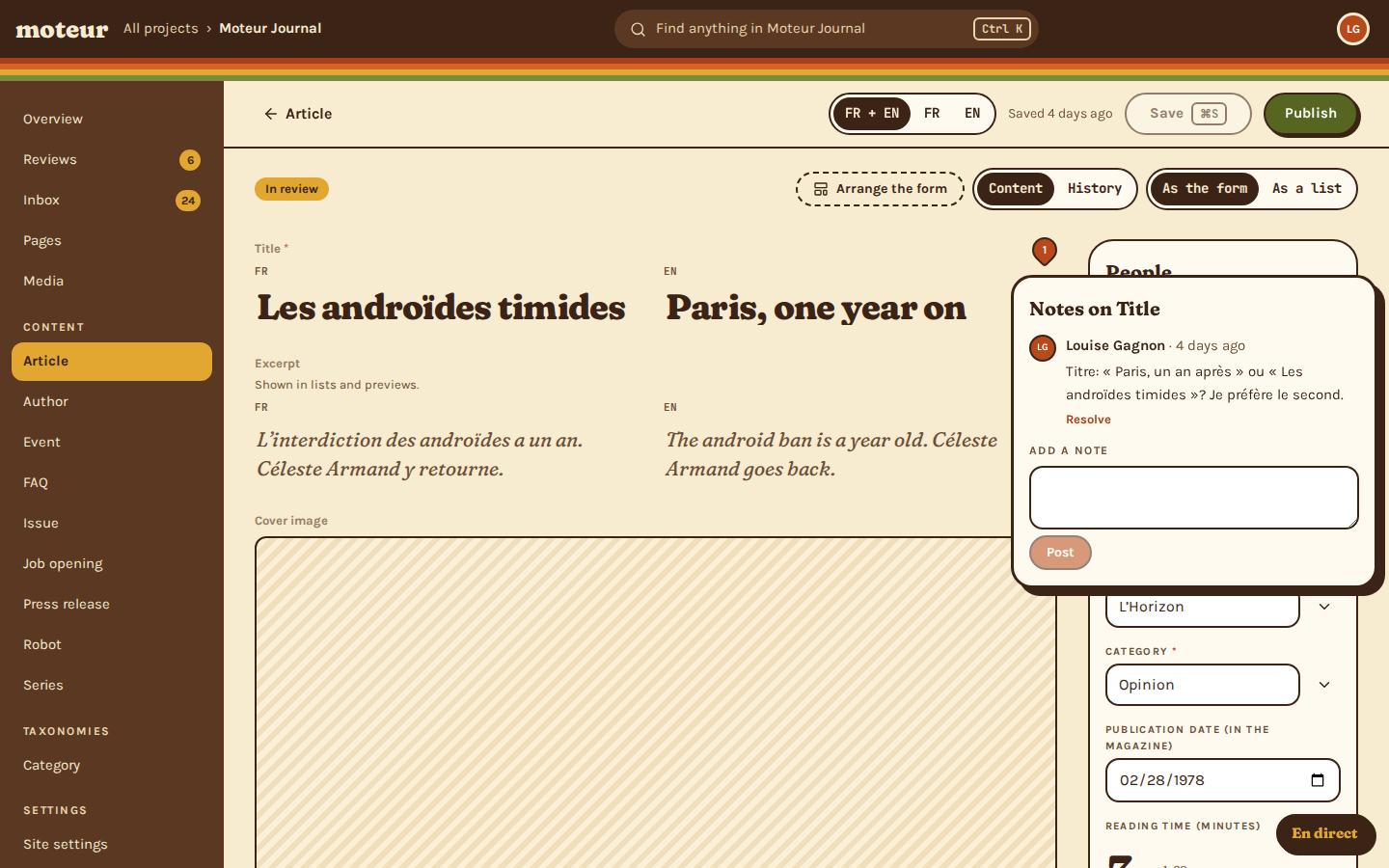
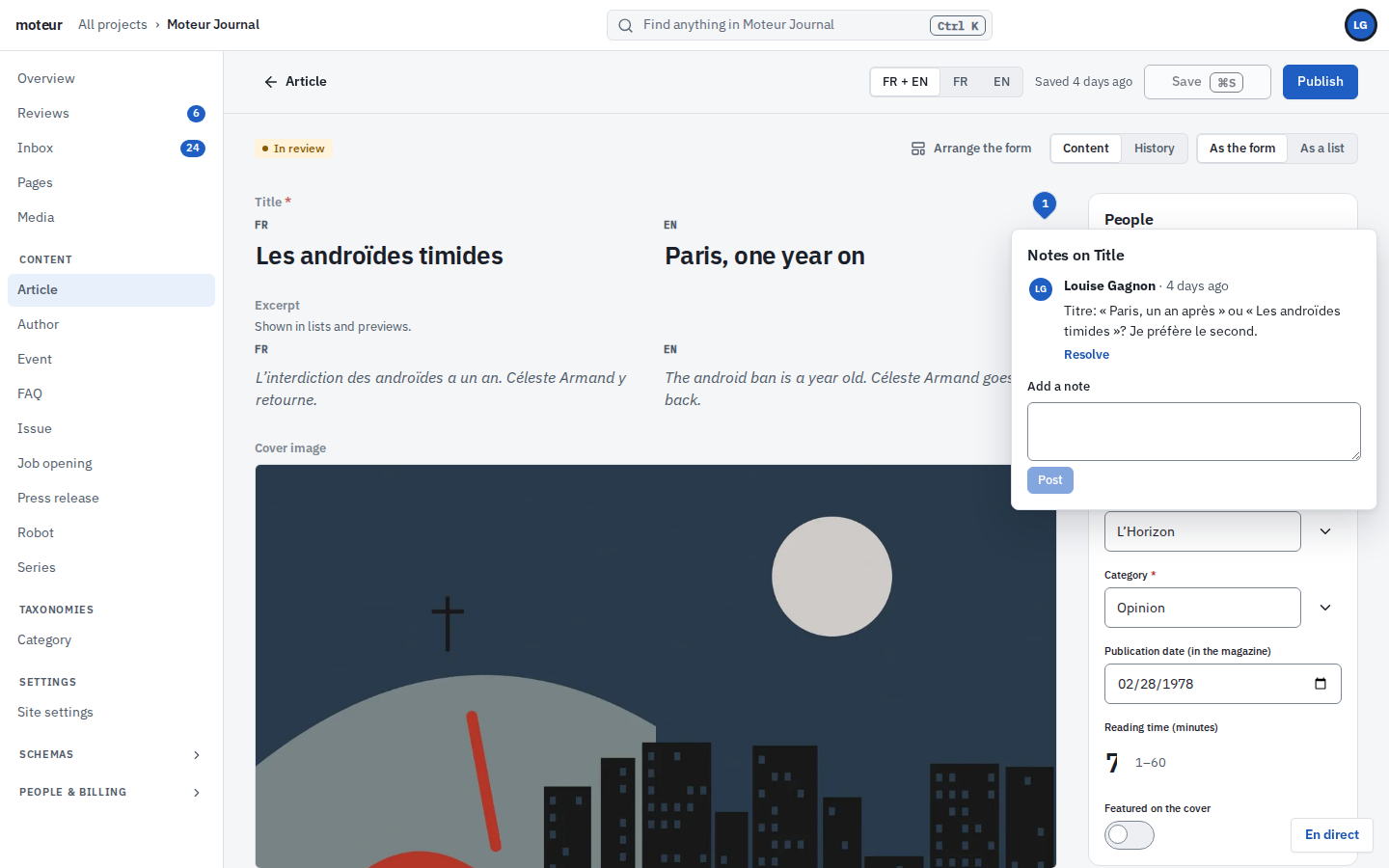
In a terminal, Claude Code updates an article’s excerpt through Moteur’s MCP server and asks for a review. Then Céleste opens the review: “Louise Gagnon via Claude Code asks for a review”, the new excerpt marked as written by Claude Code and not yet read. She reads it, and approves.
Setup
Connect in a minute
Hosted on every Moteur API, or local through the CLI.
Add the server
Give your assistant https://api.moteur.io/mcp, or run it locally with npx.
Sign in, and choose
The Studio opens: pick the projects to share and how much it may do. No token to copy.
Ask
“Show my projects.” “Translate the last three articles into French.” It starts from the project’s own description.
Read, then approve
What it changed arrives in the review queue, marked as written by the agent, until a person reads it.
In practice
One request, replayed
Louise asks Claude Code for a change. Watch the tools it calls, and where it stops: at a person.
Louise asks: “Tighten the excerpt of ‘COMPAGNON-1: An Obituary’, then ask Céleste to review it.”
projects_describe{ "project": "demo" }Moteur Journal · French and English · reviews required · article: title, excerpt, body…
entries_get{ "model": "article", "id": "issue-04-2" }“I should not have been there. It is the work of technicians, not the founder…”
entries_update{ "model": "article", "id": "issue-04-2", "set": ["excerpt.en=…"] }Saved, marked as written by Claude Code and not yet read.
entries_review{ "model": "article", "id": "issue-04-2", "reviewer": "journal-celeste" }In review.
Done: the excerpt is shorter, and Céleste has it for review. It goes live once she approves it.
Céleste sees it in Reviews: “Louise Gagnon via Claude Code asks for a review”.
Two lines
Hosted or local
The hosted server signs you in through the Studio and keeps its own credentials. The local one uses your CLI sign-in, and can read and write files on your machine.
- 176 tools by default, generated from the same commands as the CLI
- A compact mode with three tools, for clients that struggle with many
- Tools that can’t be undone are off unless you turn them on
terminal
# Hosted: sign in in the browser, choose the projects
claude mcp add --transport http moteur https://api.moteur.io/mcp

# Or local, through the CLI's sign-in
npm install -g @moteurio/cli && moteur auth login
claude mcp add moteur -- npx -y @moteurio/mcp
Access
What it can touch, and what it can’t
Chosen when you connect, project by project, and checked again on every call.
Read
Read-only
Reads content and looks at how the projects are built.
- Nothing changes
- Good for research and reports
Content
Content editing
Edits content, media, pages and editorial work, and asks for review.
- No schema, settings or people
- Every edit marked as the agent’s
a tool call
{ "tool": "entries_update", "arguments": { "model": "article", "id": "issue-02-1", "set": [ "excerpt.en=His name is Trois — the name my daughter gave him on the first evening…" ] } }Setup
Full project setup
Manages content, models and settings too, within your own roles.
- Never more than you can do
- Payments stay in the Studio
Never
What no agent can do
Approve its own work, run the server, or reach a project you didn’t choose.
- A person approves what goes live
- Operator commands are never tools
Acting for you
It says who it’s working for
An agent acts as you, but never passes for you. Its changes, its review requests and its notes all carry both names, so a reviewer always knows what a machine wrote.
- Its review reads “Louise Gagnon via Claude Code asks for a review”
- The fields it writes stay marked until someone reads them
- Connections last 30 days at most, and end at once from the Studio’s AI connections
Questions about agents
An agent builder asksWhich assistants work?
MoteurAny MCP client: Claude Code, Claude Desktop, Codex and others. Hosted, it’s a URL and a browser sign-in. Locally, an npx command.
A cautious editor asksCan an agent publish?
MoteurNot on its own. It can ask for review, never approve. What it changes goes live once a person approves it.
An agency owner asksDoes it see all our clients’ projects?
MoteurOnly the ones you choose when you connect. Projects you create later are never added by themselves.
A developer asksCan it work with files on my machine?
MoteurThe local server can, through your CLI sign-in: uploads, replacements, exports. The hosted one never touches a disk: it uploads a file from a web address, or one sent with the request.
A tech lead asksHow do we stop it?
MoteurDisconnect it from the Studio’s AI connections, and it stops at once. Its access tokens last an hour and are re-checked on every call.
Keep reading
- Agents, safelyHow agents and reviews work together.
- The command lineThe same commands, in your terminal.
- For agency developersOne stack, every client.
- Git as the backendEvery change, agents’ included, is a commit.
- Moteur for agenciesEvery client site, one content platform.
- MCP for contentThe idea, and what to ask of a CMS.
Connect your first agent.
Start a project for free, add the server to your assistant, and ask it something.