Media library
Upload once. Every crop keeps the face.
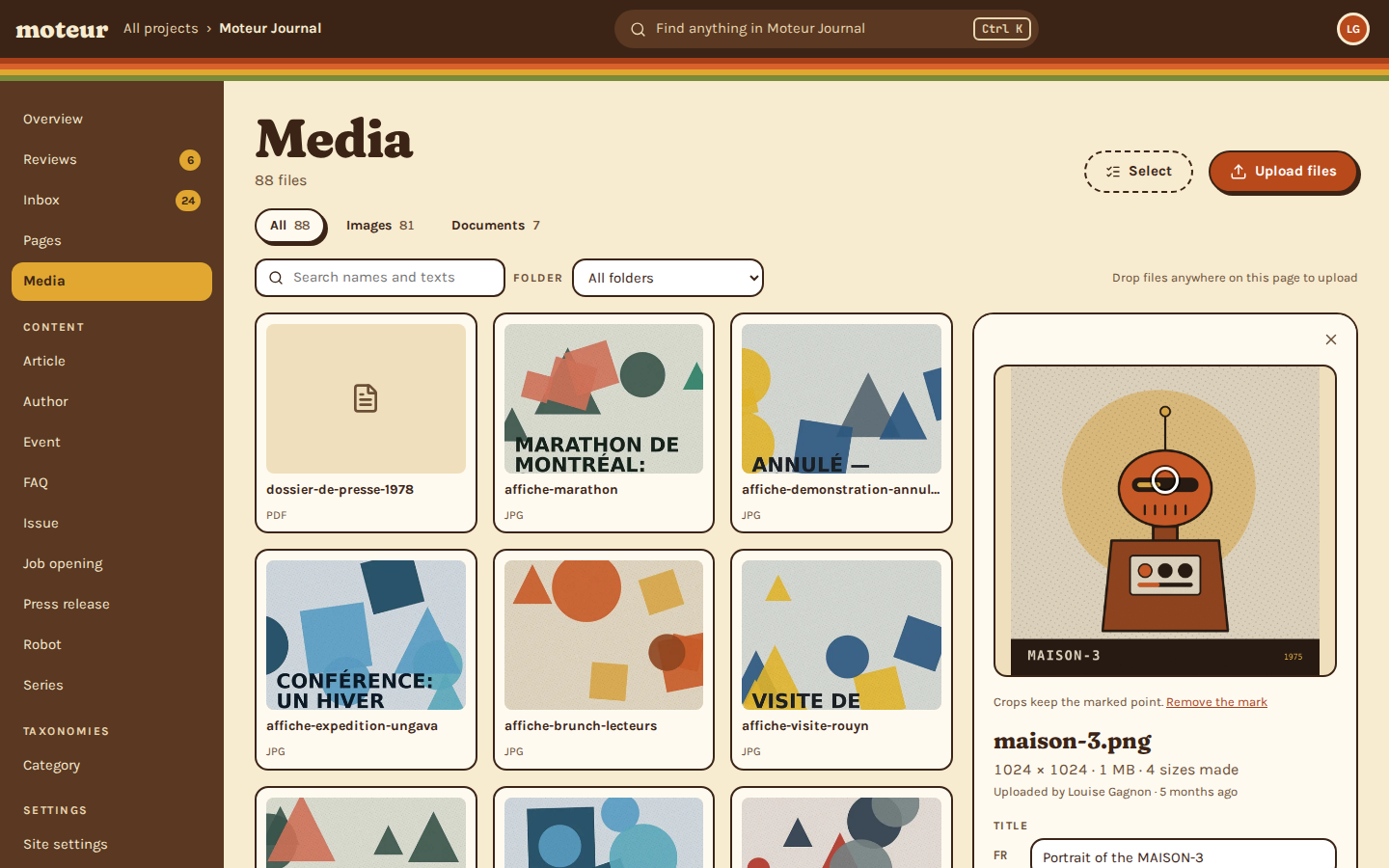
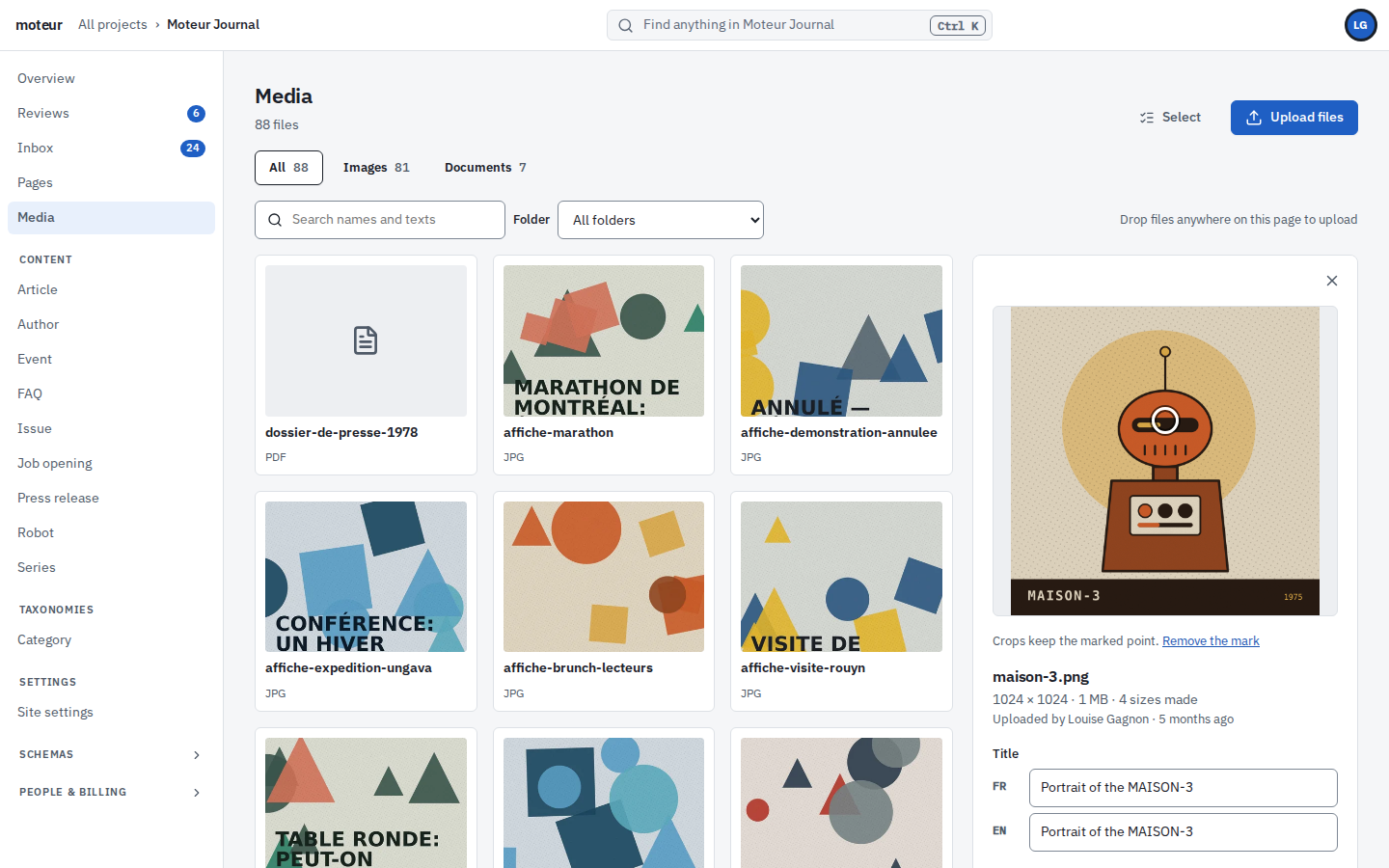
Mark the face once, and the banner, the card and the phone story all keep it. Alt text in each language, and nothing to relink when you replace a file.
Try it
Move the point, watch the crops
Cut from the centre, the wide banner slices off the top of MAISON-3’s head. Click its face, or drag across the picture, and every crop follows.
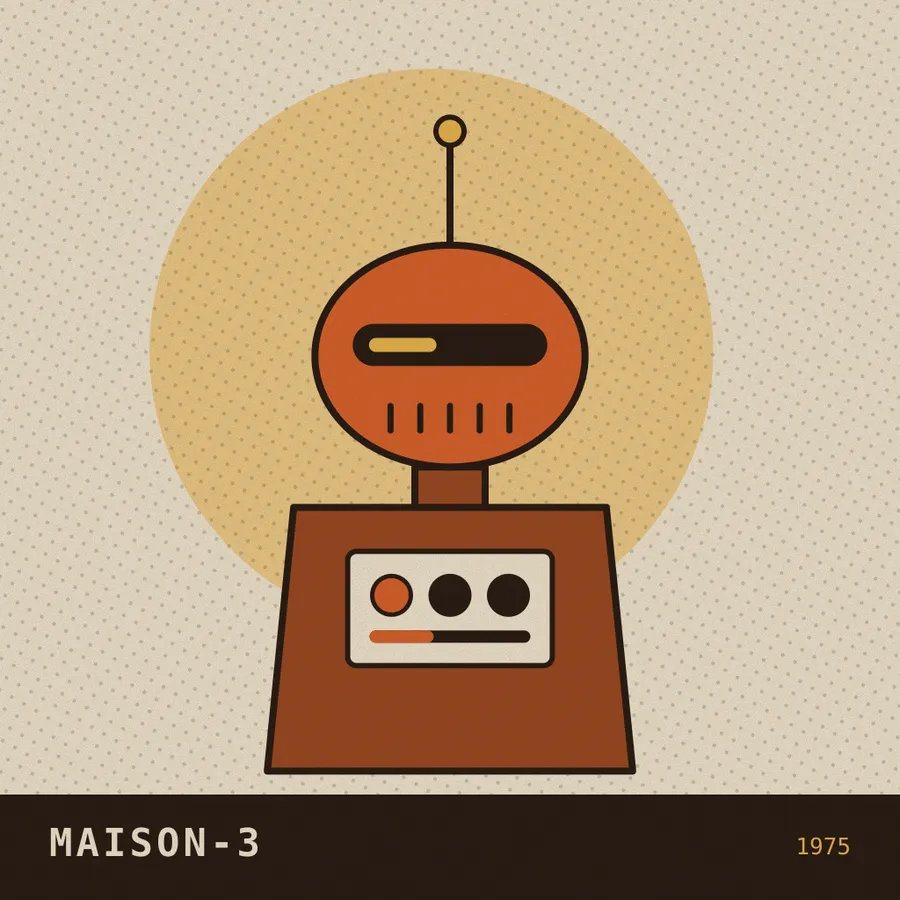
Click the picture to mark what crops must keep.
"focalPoint": { "x": 0.50, "y": 0.50 }
21:9 A wide banner
…/resize/demo/mq1mrfrc-dkesa9o9?v=…&ar=21:9&w=80016:9 A card
…/resize/demo/mq1mrfrc-dkesa9o9?v=…&ar=16:9&w=8004:3 A listing
…/resize/demo/mq1mrfrc-dkesa9o9?v=…&ar=4:3&w=8009:16 A story
…/resize/demo/mq1mrfrc-dkesa9o9?v=…&ar=9:16&w=800
Moteur cuts each crop this way. When the point moves, the crops are cut again, so nobody sees the old ones.
The library
Around the library
From the day a file is dropped in to the day it’s replaced. Your client’s team never resizes a thing.
Uploads
Checked on the way in
Every picture is opened before it’s accepted, and one that can’t be read is refused. Location and camera data are removed.
- No phone’s GPS on the public site
- 50 MB a file, unless you change it
Sizes
Every size, made once
The site asks for the width it needs, never larger than the original. Each size is made once, then kept.
- From thumbnails to sharp large screens
- In light formats like WebP and AVIF
Crops
Eight shapes
From a wide banner to a phone story, each cut around the point you marked. A field can ask for its own shape.
- Set once, on the field
- Cut again when the point moves
Languages
Alt text in each language
Alt text, title and caption in every language. A field can say it differently where the picture is used.
- Searchable in every language
- Written by AI when it’s on
Usage
Where it’s used
Each file lists every entry and page that uses it. Deleting one puts it in the bin, and the bin gives it back.
- “Used in”, field by field
- Find the files nobody uses
Replace
Replace, don’t relink
Upload a new file over an old one. It keeps its alt text and its focal point, and every page that used it shows the new one.
- Nothing to relink
- New crops, made for you
In the site
Everything an <img> needs, in one call
Ask for an entry with its pictures, and the client writes the image’s attributes for the shape you want. No second request.
- Alt text in the language asked for
- Width and height, so the page doesn’t jump
src/pages/journal/[slug].astro
import { createMoteurPublicClient, imageAttributes } from '@moteurio/client';

const moteur = createMoteurPublicClient({
  baseURL: 'https://api.moteur.io',
  auth: { type: 'apiKey', apiKey: process.env.MOTEUR_KEY, projectId: 'client-site' },
});

const article = await moteur
  .channel('public')
  .entries.get('article', 'issue-03-1', { resolveAssets: true });

const img = imageAttributes(article.data.cover, { ratio: '16:9', sizes: '50vw', locale: 'en' });
// {
//   src: '…/resize/demo/mq1mrz9k-7n3w8itd?v=mq1mrzau&ar=16:9&w=1024',
//   srcset: '…&ar=16:9&w=160 160w, …&w=320 320w, … , …&w=1600 1600w',
//   sizes: '50vw',
//   width: 1600,
//   height: 900,
//   alt: 'The Rouyn-Noranda plant, 3 a.m.'
// }Questions about media
A client’s editor asksWhich files can we upload?
MoteurPictures (JPEG, PNG, WebP, GIF, AVIF), video (MP4, MOV), audio, PDF and Word documents, and 3D models (glTF, GLB, USDZ). SVG isn’t accepted as an upload.
An agency owner asksHow much room is there?
Moteur100 MB on Free, 1 GB on Personal, 5 GB on Pro and 20 GB on Extra, counted on the files as uploaded.
An agency owner asksWhat if someone deletes a picture that’s in use?
MoteurIt goes to the bin, and the places that used it show nothing until it’s restored. Only a content lead or an admin empties the bin.
A reader asksDoes AI write the alt text?
MoteurWhen an admin turns it on, a new picture with no alt text gets one, in the project’s main language. It costs credits, and anyone can change it.
A developer asksCan video go to a video host?
MoteurYes, with a plugin: Mux, Vimeo, Cloudflare Stream or YouTube. Moteur keeps a copy first, so a video can move hosts later.
Drop in your client’s pictures.
Start a free project with 100 MB of files, mark a face, and ask the API for a banner.