For writers
A calm place to write, in your language.
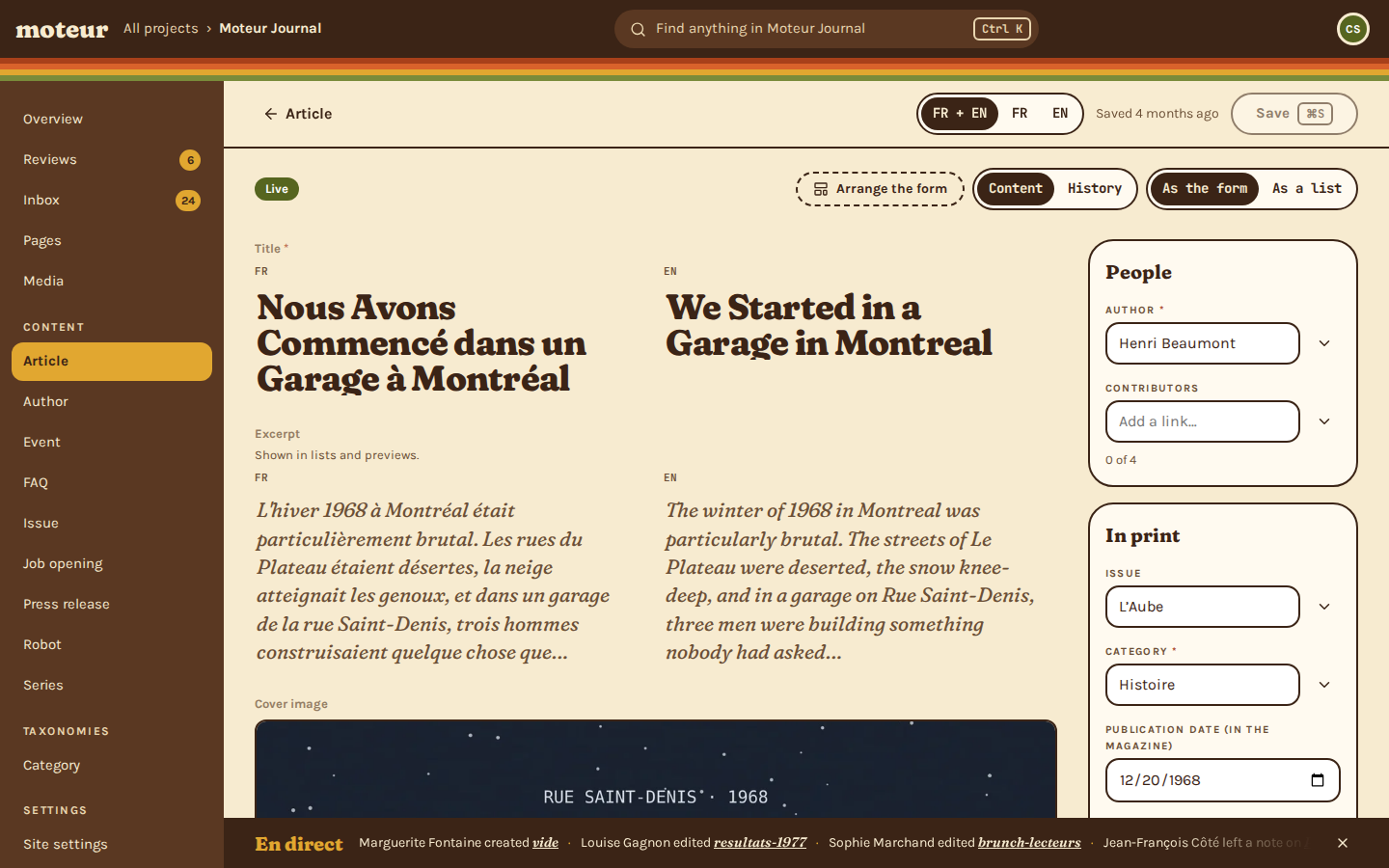
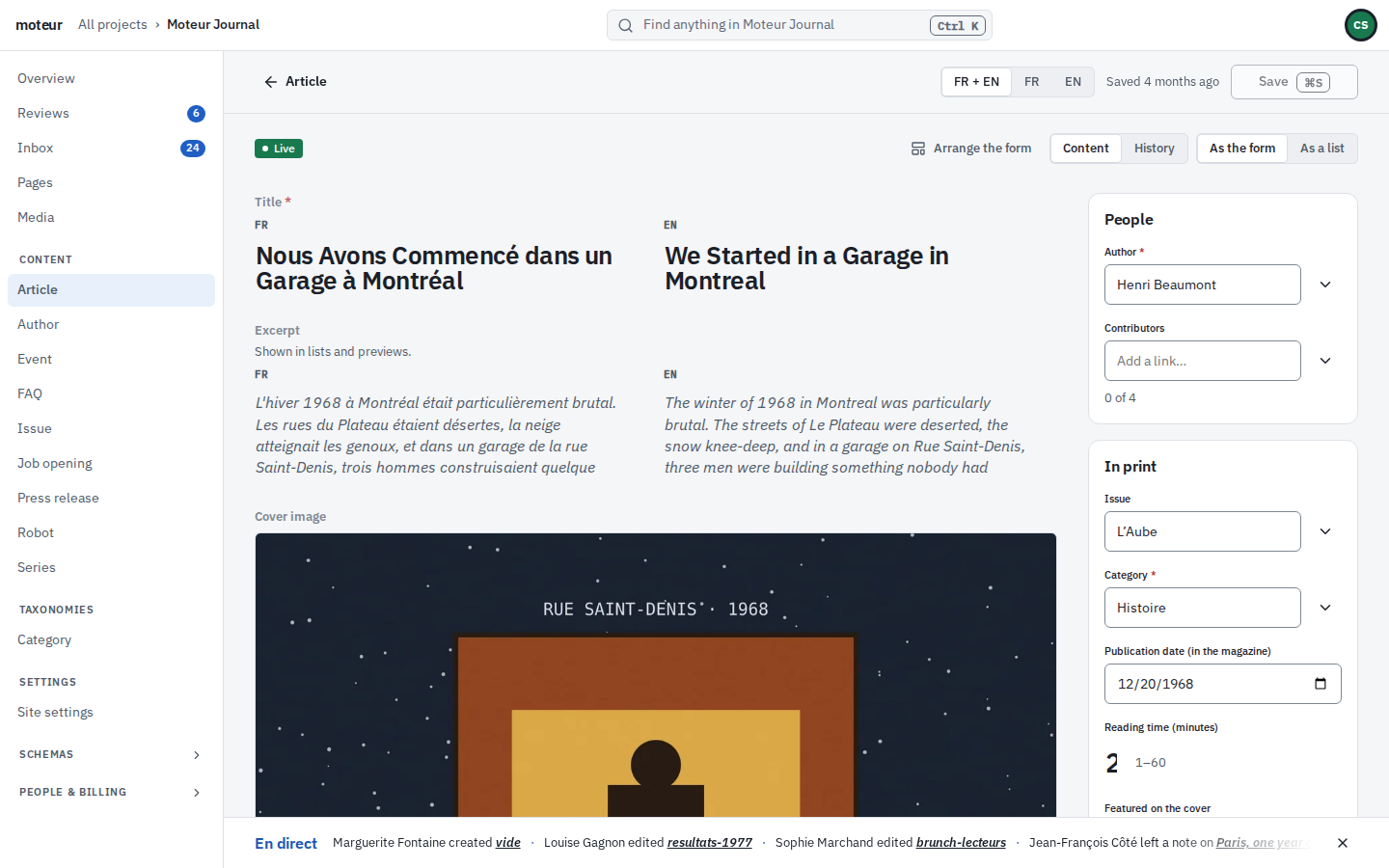
Write in French and English side by side, see who else is in the article, and send it for review when it’s ready. Nothing changes until you save, and the Studio asks before you lose a word.
Try it
Write, then decide what to keep
Switch the Studio between English and French, and every word of it follows. Then change the excerpt and try to leave without saving.
The Factory That Never Stops
Leave with 1 unsaved change?
Your changes are only in this tab until you save them.
You left the article.
Every word of the interface is the Studio’s own, in both languages. Field and model names are the agency’s, so they stay as written.
Every day
Your day in the Studio
What a writer, a reviewer or a translator actually uses, after the agency has handed the site over.
Languages
Both languages at once
French and English side by side, or one at a time. Translators edit the other language and leave the original alone.
- FR + EN, FR or EN
- What’s missing, counted
History
Nothing lost
Every save is kept. Restoring an old one saves it again as a new version, so the newer ones stay too.
- What each save changed
- Who made it
Notes
Notes on the field
Leave a note on the field it’s about, not in an email thread. Resolve it when it’s done.
- See who’s reading where
- Notes stay with the content
Reviews
Reviews without the back-and-forth
Ask for a review when it’s ready. If it comes back, the note says why.
- The reviewer sees what changed
- Sent back, not lost
Lists
Lists that know your day
My drafts, what needs review, what isn’t in English yet, or a board to drag things across.
- Ready-made views
- Ask for review in bulk
Keyboard
Quick from the keyboard
Ctrl K finds anything in the project. Ctrl S saves. In a list, J and K move and Enter opens.
- ⌘ on a Mac
- No mouse needed for the basics
Questions writers ask
A writer asksDoes it save as I type?
MoteurNo: you save, with the button or Ctrl S. The Studio counts what isn’t saved yet, and asks before you leave with it.
A writer asksCan I go back to an older version?
MoteurYes. History keeps every save. Restoring one saves it again as a new version, so nothing is lost.
A translator asksIs the Studio in French?
MoteurEntirely, and in English. It follows your browser the first time, then your choice, from your account menu.
A client’s editor asksCould I break the site?
MoteurThe setup is for builders: you fill in the content, you don’t change its shape. With reviews on, someone reads your changes before they go live.
A writer asksDo I need a password?
MoteurNo. Type your email, and Moteur sends a six-digit code to sign in with. Two-step sign-in works on top of it, if you turn it on.
Try the Studio for yourself.
Start a free project and write your first article, in French, English, or both.